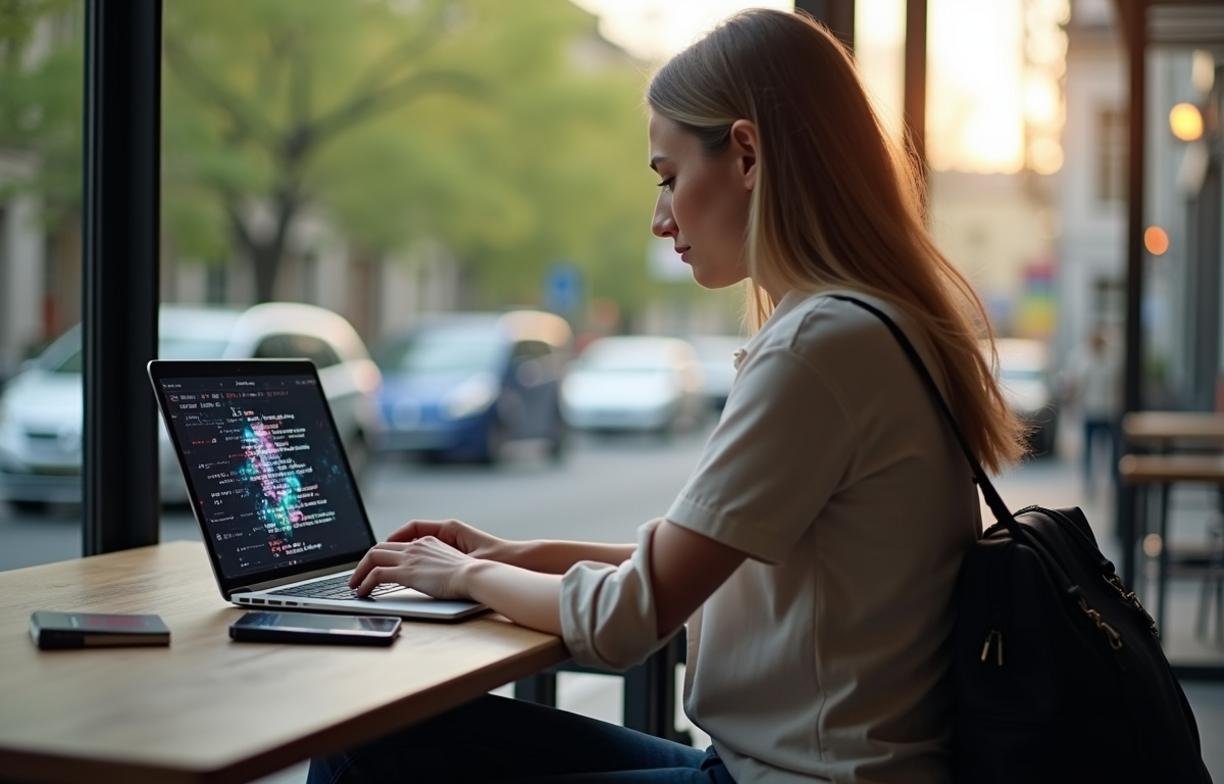
Ransomware protection for traveling freelancers begins with the hard truth that your laptop and phone become your entire office the moment you leave home.
Travel adds risk because your routine breaks. You join unfamiliar Wi-Fi, charge devices in public places, cross borders, and work under time pressure. A strong plan is not just antivirus. It is a mix of backup design, account security, device hardening, and recovery practice.
Why ransomware hits freelancers differently on the road
Freelancers often work as solo operators, so there is no help desk to isolate a laptop or restore a clean image. If a device is encrypted in an airport hotel, the deadline, client files, invoices, and tax records may all disappear at once.
CISA warns that ransomware commonly arrives through phishing, exposed remote access, unpatched software, and stolen credentials. Those risks rise when you are moving between networks and rushing through client messages from a phone screen.
Verizon’s 2024 Data Breach Investigations Report found that credential abuse remains one of the most common initial access methods in breaches. For freelancers, that often means one reused password can expose email, cloud storage, accounting tools, and project management accounts.
Ransomware is also not always instant. Attackers may spend days inside an account before launching encryption. If your only backup syncs automatically, encrypted files can replace clean versions before you notice.
Build a travel backup system ransomware cannot easily reach
The minimum standard is the 3-2-1 backup rule: keep three copies of important data, on two different media, with one copy offline or offsite. NIST’s small business cybersecurity guidance recommends maintaining backups and testing restoration because backups that cannot restore are operationally useless.
For traveling freelancers, “important data” should mean active client work, contracts, invoices, tax files, password vault recovery materials, and licensing documents. A photo library may be valuable, but a client deliverable due tomorrow has a different recovery priority.
Use versioned cloud storage, not simple sync alone
Simple sync mirrors changes. If ransomware encrypts a folder, the encrypted files may sync too.
Use cloud storage with version history. Google Drive, Dropbox, OneDrive, and iCloud all offer some form of deleted-file or version recovery, but retention windows differ by plan. A practical threshold is at least 30 days of file version history for active client folders.
Keep client projects in separate top-level folders. This makes it easier to restore only the damaged work instead of rolling back your entire storage account.
Carry one offline backup, but keep it disconnected
An external SSD is useful only if it is not plugged in when ransomware runs. Connect it, run the backup, eject it, and physically separate it from your laptop.
A 1 TB portable SSD is usually enough for documents, design files, and active project archives for many freelancers. If you shoot 4K video, estimate about 45 GB per hour for 100 Mbps footage before proxies and exports.
Encrypt the drive with BitLocker on Windows, FileVault-compatible APFS encryption on macOS, or a reputable cross-platform encrypted container. If you lose an unencrypted backup drive in a hostel or rideshare, ransomware is no longer the main problem.
Secure the accounts that can lock you out
Email is the master key for many freelancers. If an attacker controls your email, they can reset storage, banking, domain, and client portal passwords.
Use a password manager and generate unique passwords of at least 16 characters for each important account. Length matters because random, unique passwords resist guessing and prevent one breached service from unlocking others.
Enable multi-factor authentication on email, cloud storage, banking, domain registrar, and invoicing tools. Prefer authenticator apps or hardware security keys over SMS, because SIM swapping and roaming issues can disrupt text-based codes.
The FBI’s Internet Crime Complaint Center has repeatedly reported billions of dollars in annual cybercrime losses, with business email compromise among the highest-loss categories. Freelancers are exposed because client payment instructions, contract approvals, and invoice changes often flow through email.
Choose the right protection setup for your travel pattern
The best setup depends on how long you travel, the sensitivity of your work, and how fast you must recover after an attack. A copywriter on a weekend trip does not need the same design as a consultant carrying regulated client files across borders.
| Situation | Best fit | Conditions to choose it |
|---|---|---|
| Short domestic trips under 7 days | Versioned cloud storage plus MFA | You can re-download files within a few hours and do not handle sensitive regulated data |
| Ongoing digital nomad work | Cloud backup plus encrypted offline SSD | You work from rentals, cafés, or coworking spaces and need recovery without reliable broadband |
| Client work under NDA or regulated data | Managed endpoint protection plus encrypted backups | You handle legal, healthcare, finance, unreleased product, or source-code materials |
| High-risk travel or border crossings | Minimal travel device plus remote access | You can leave most data at home and work through a hardened cloud workspace |
When a VPN matters, and when it does not
A VPN helps protect traffic on untrusted networks and can reduce exposure to local network snooping. It does not stop ransomware from a phishing attachment, malicious browser extension, stolen password, or fake software update.
Use a VPN on hotel, airport, café, and coworking Wi-Fi. Disable auto-join for public networks, and forget networks after leaving. Attackers can create lookalike network names such as “HotelGuestFree” near real venues.
Avoid logging into sensitive accounts from shared computers. Browser session theft, keyloggers, and stored cookies can bypass strong passwords if the device itself is compromised.
Harden your laptop and phone before departure
Patch before you travel, not from unstable airport Wi-Fi. Install operating system, browser, office suite, PDF reader, and creative app updates at least 24 hours before departure so you can catch failures while still at home.
Enable full-disk encryption. Windows Pro users can use BitLocker, and macOS users can enable FileVault. iPhones and modern Android devices encrypt storage by default when protected with a passcode, but a six-digit PIN is weaker than a longer alphanumeric passcode.
Turn off local admin use for daily work. Use a standard user account for routine tasks and keep a separate admin account for installations. This limits some malware actions, especially when combined with modern endpoint controls.
Set screen lock to trigger within 2 minutes when traveling. In coworking spaces and lounges, theft often happens during short distractions, not dramatic break-ins.
Remove software you do not use. Old remote desktop tools, browser extensions, torrent clients, cracked plugins, and abandoned utilities increase attack surface. CISA frequently lists unpatched internet-facing and remote-access software among common ransomware entry points.
Handle client files without creating ransom leverage
Ransomware groups often steal data before encryption and threaten publication. That makes confidentiality as important as file recovery.
Store only the data needed for the trip. If you are editing one contract, do not carry five years of client archives on the same laptop. Use cloud permissions to access older materials only when needed.
For sensitive projects, create a clean working folder per client and avoid mixing personal and business files. If you must share a folder, give the client the least access needed: viewer, commenter, or editor.
Use expiration dates on shared links. A 7-day link is safer than a permanent public link, especially when traveling across multiple networks and devices.
Do not download client attachments from unexpected emails without verification. Confirm unusual files, payment changes, or urgent document requests through a second channel, such as a known phone number or established chat thread.
Practice recovery before you need it
A backup plan is incomplete until you restore from it. Once before any long trip, restore three sample files: one current project file, one invoice or financial document, and one older archived file.
Time the process. If restoring your working folder takes six hours on hotel Wi-Fi, you need an offline copy or a smaller active-project folder. A practical recovery target for solo freelancers is access to current work within 4 hours.
Keep a printed or offline recovery sheet with key steps, but never write full passwords on it. Include device serial numbers, backup locations, emergency client contact methods, and the support URLs for email, cloud storage, banking, and domain accounts.
If ransomware hits, disconnect Wi-Fi immediately, unplug external drives, and shut down only if encryption appears active or files are rapidly changing. Use a clean device to change passwords, check cloud version history, and contact affected clients if their data may be exposed.